QUICKBOOKS INTEGRATION
Your Books, Always Accurate
Seamlessly sync customers, invoices, and payments between Maidily and QuickBooks. No double entry. No mistakes. Just accurate books, automatically.
Maidily
QuickBooks
Everything Syncs Automatically
The data you need in QuickBooks gets there without you lifting a finger.
Customers
Customer profiles sync to QuickBooks as clients. No duplicate entry.
Invoices
Invoices created in Maidily appear in QuickBooks instantly.
Payments
Payments recorded in Maidily mark invoices as paid in QuickBooks.
Set Up in Under 5 Minutes
Four simple steps and you are done. No developer, no tech support, no headaches.
Connect
Click "Connect to QuickBooks" in settings
Authorize
Log into QuickBooks and approve the connection
Map
Match your Maidily services to QuickBooks items
Done
Everything syncs automatically from now on
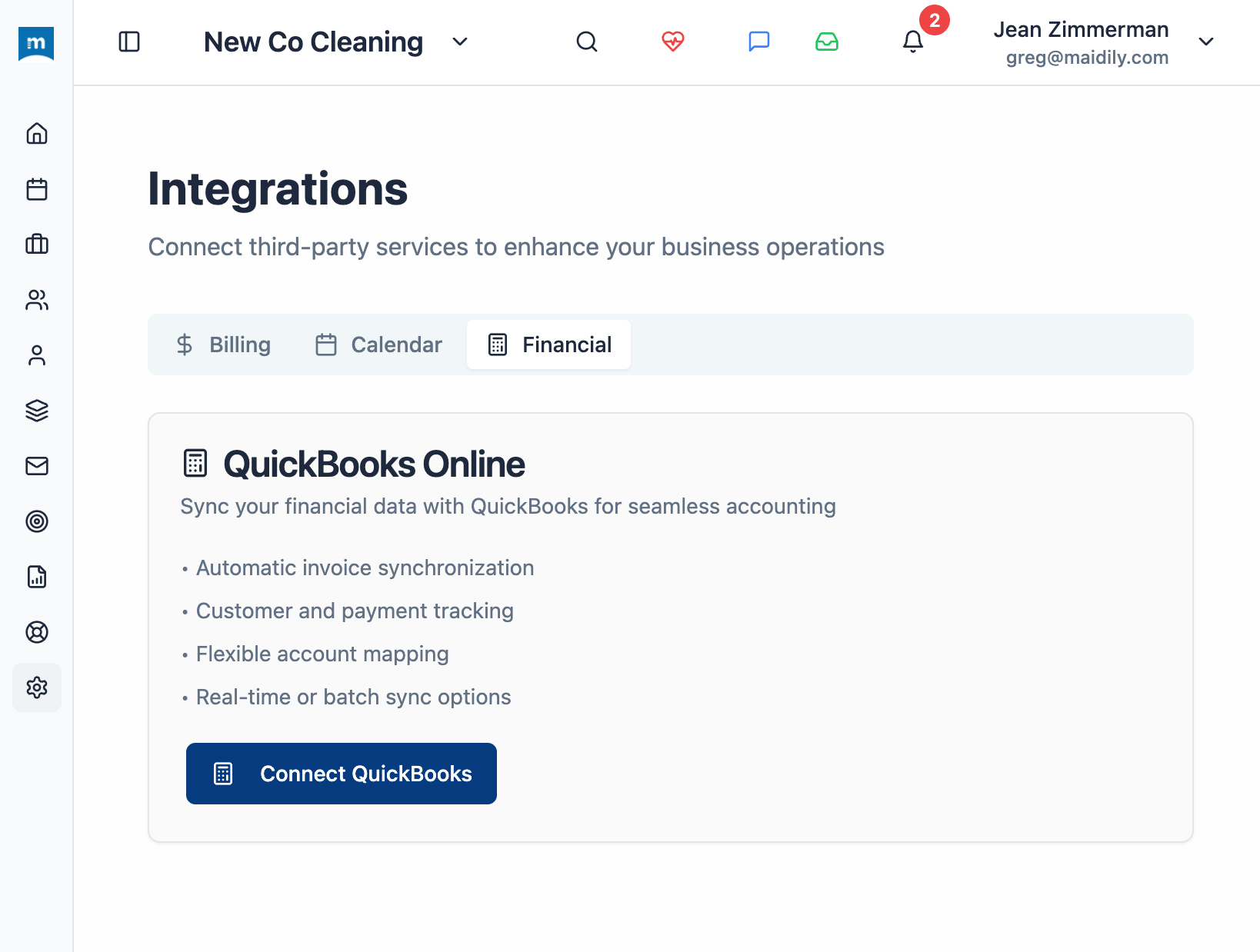
Available Now. Not "Coming Soon."
Many cleaning software tools promise QuickBooks integration but make you wait. Maidily's integration is live, tested, and ready to use from day one.
Time You Get Back Every Week
Hours
Saved Every Week
No manual bookkeeping
0
Manual Entries
Everything syncs automatically
100%
Accuracy
No typos, no missed transactions
Ready to Stop the Double Entry?
Connect Maidily to QuickBooks in minutes. Start free today — no credit card required.